Docs & help
Docs site
Good documentation answers the specific question a reader has instead of making them read in order. This template numbers every page and group like a book, builds an outline from the headings to mark where you are, and makes a search index at build time so words typed without Vietnamese accents still match; code blocks, callouts and tabs handle the technical parts, and a changelog records each release.
Great for: studios, freelancers, software companies, SaaS products and anyone selling templates or plugins who needs documentation, a user guide or a help centre
Try the editor →Edit the content as the site owner would, no sign-in needed; changes are not saved.
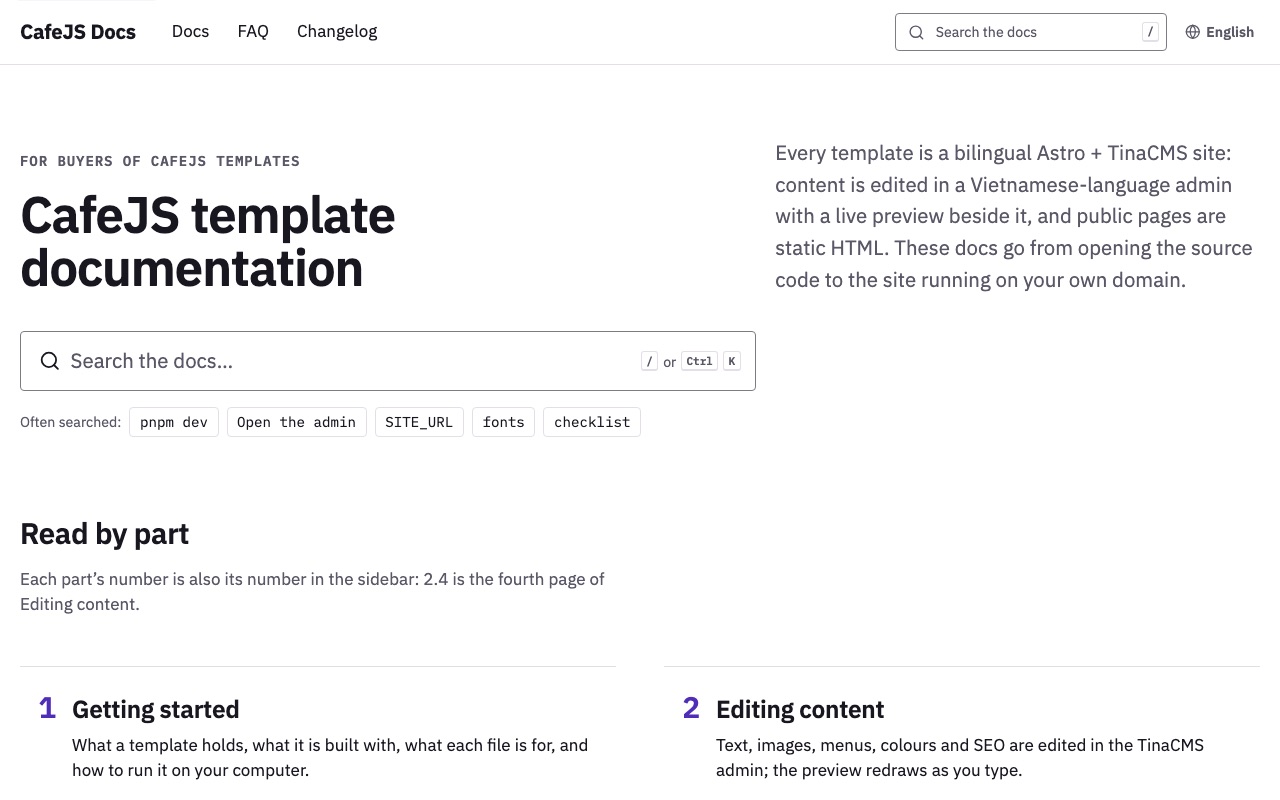
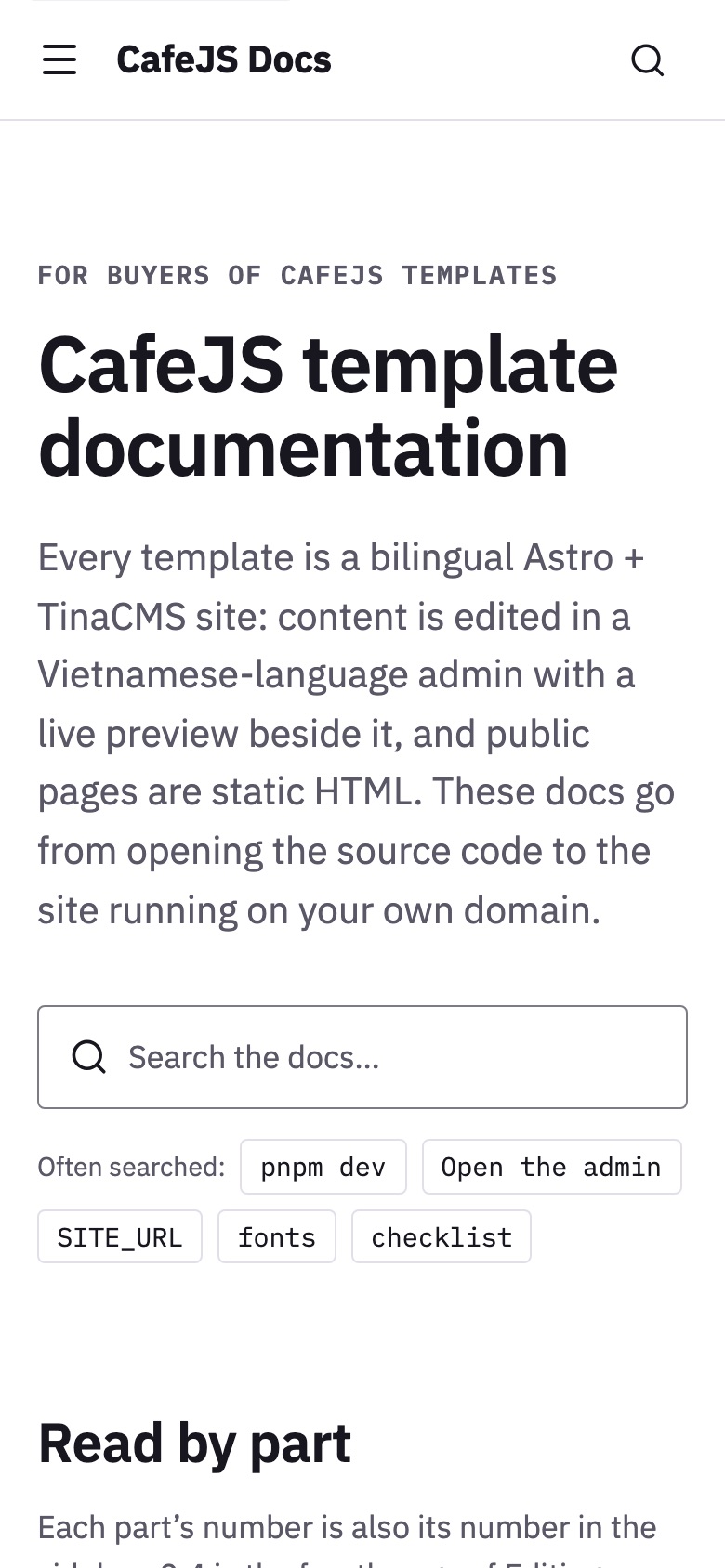
Docs site
Overview
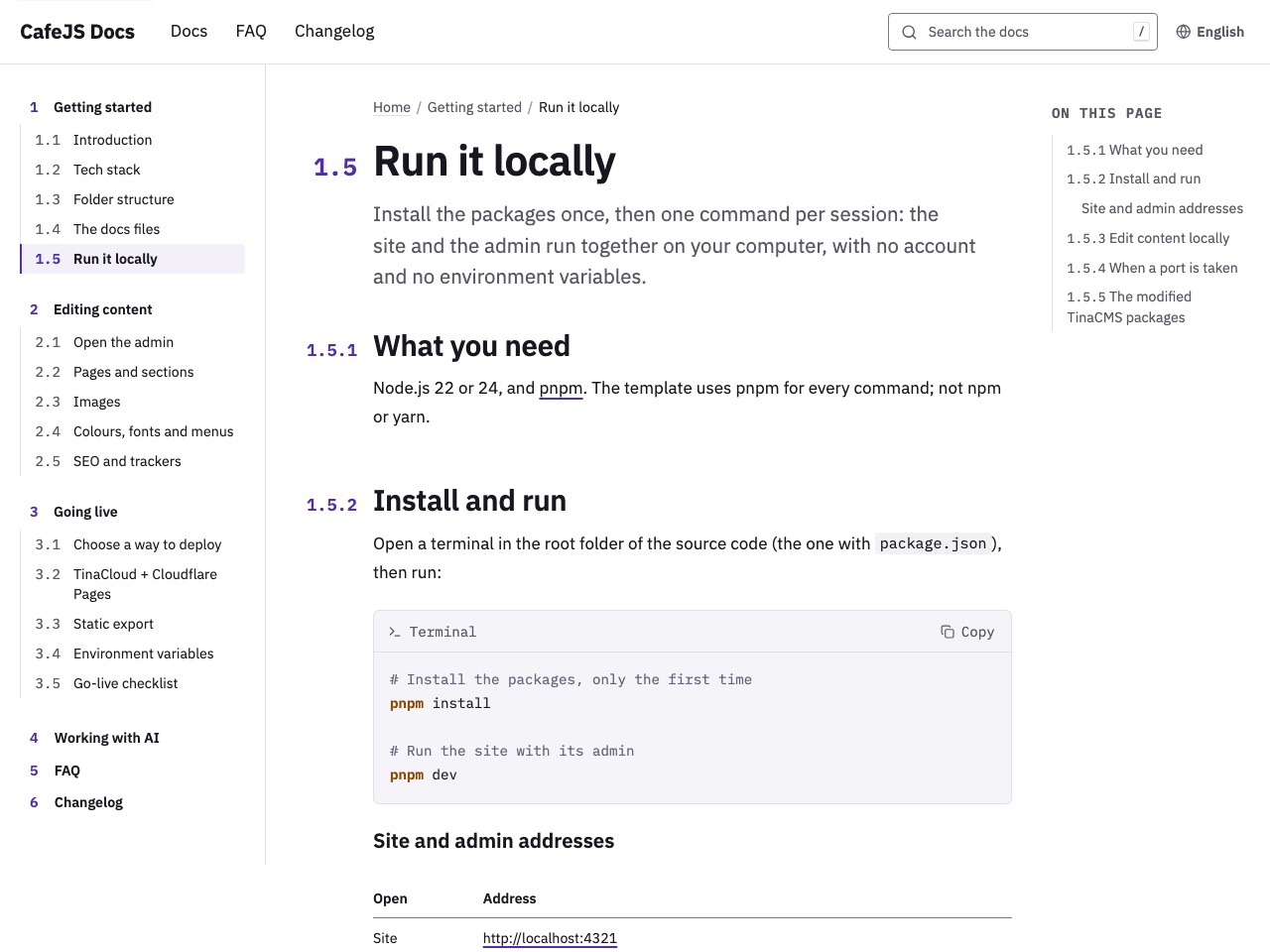
Three-column docs pages, numbered like a book
The sidebar is split into groups and every page has a number (1.5, 2.4) set in the margin, breadcrumbs, an outline built from its h2/h3 headings that marks the section being read, and Previous / Next buttons in sidebar order. The order of groups and pages is edited in the Docs menu in the admin; on a phone the sidebar becomes a drawer and the outline folds up at the top of the page.
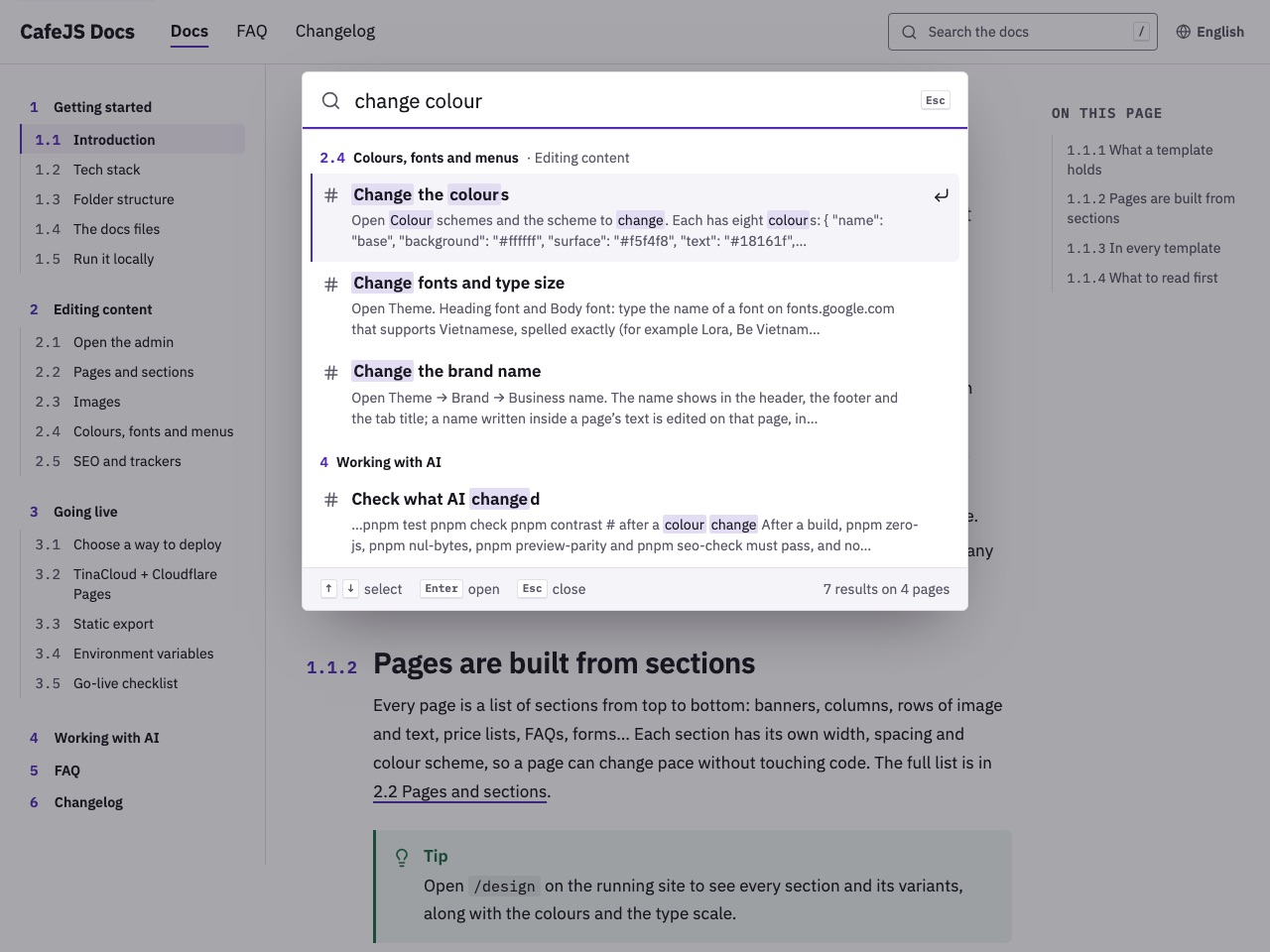
Search that runs on the static pages
The search index is built with the site, one file per language, cut at every section heading. / or Ctrl/⌘ K opens the search box; words typed without Vietnamese accents still match; results are grouped by page, picked with the arrow keys and Enter, and lead straight to the right section. No server, search service or outside library.
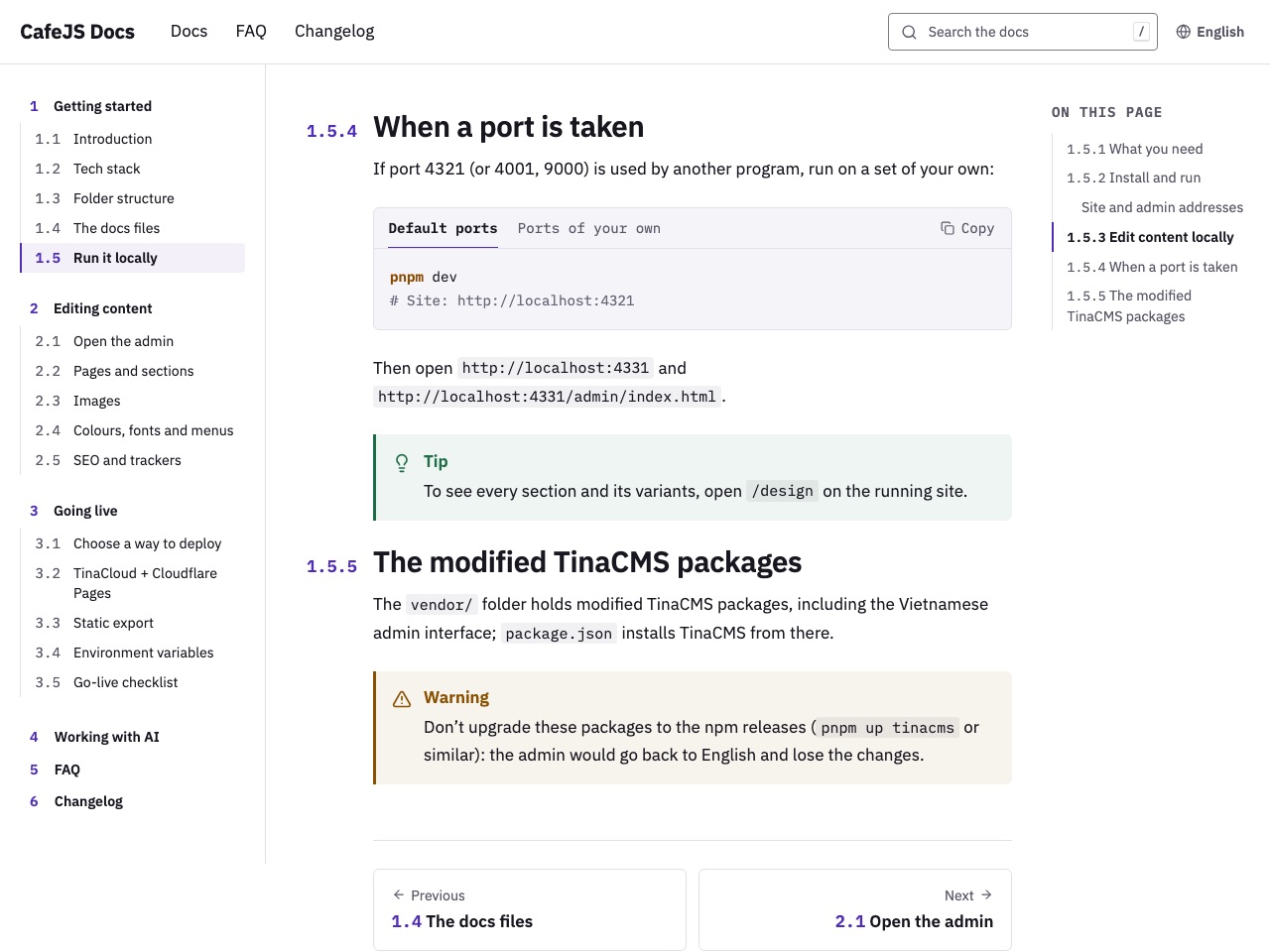
Code blocks, callouts and tabs
Code is highlighted when the site is built, so readers download no highlighting library; every block has a label (a file name or Terminal) and a Copy button. There are four callouts, Note, Tip, Warning and Danger; tabs switch in place and remember the choice for every other tab group. All of them are written in the content field of the admin.
What's included
Docs pages
- Three columns on a computer: a multi-level sidebar, the content and the page's outline; every page has a number, breadcrumbs, a lead paragraph and Previous / Next buttons
- The sidebar comes from the Docs menu, with the order of groups and pages edited in the admin; on a phone it becomes a drawer that shows the page being read
- An outline from the h2/h3 headings that marks the section being read; on a phone it folds up at the top of the page
- Tables scroll sideways on a phone; screenshots inside the text
Search
- An index built with the site for each language, with no server or outside service
- A large search box on the home page with common searches, a search button in the header, and the / and Ctrl/⌘ K shortcuts
- Matches without Vietnamese accents; results grouped by page lead straight to the right section; arrow keys and Enter to pick, Esc to close
- A search button on the 404 page
Writing technical docs
- Code blocks highlighted at build time (shell, JSON, TypeScript, CSS, .env), with a label and a Copy button
- Note, Tip, Warning and Danger callouts
- Tabs that switch in place and remember the choice; tabs holding only code sit on the code block's own bar
- A changelog: every release has a version number, a date and lines tagged New / Fixed / Removed; the home page shows the latest one; releases are added under Changelog in the admin
Pages and content
- 19 pages per language: home, 15 docs pages in three groups, Working with AI, FAQ and Changelog
- The sample content is the real documentation of the CafeJS templates, from running locally to going live
- An FAQ of 11 questions in three groups and a changelog of 9 releases
- No shop and no public contact details; the home page has two ways in, for site owners and for developers
Languages, SEO and editing
- Vietnamese and English on matching paths; the language switch keeps visitors on the same page
- A title and description for every page, hreflang and a sitemap; structured data (JSON-LD) for breadcrumbs and the FAQ
- IBM Plex Sans for text, IBM Plex Mono for code, one violet accent; three colour schemes chosen per section
- Content edited in the Tina admin with a preview that updates as you type; the admin interface is in Vietnamese
Pages in this template
Home
A heading, a large search box with common searches, four numbered parts leading into each group of pages, two ways in for site owners and developers, often-opened pages and the latest changelog release.
View on the demo ↗ (opens in a new tab)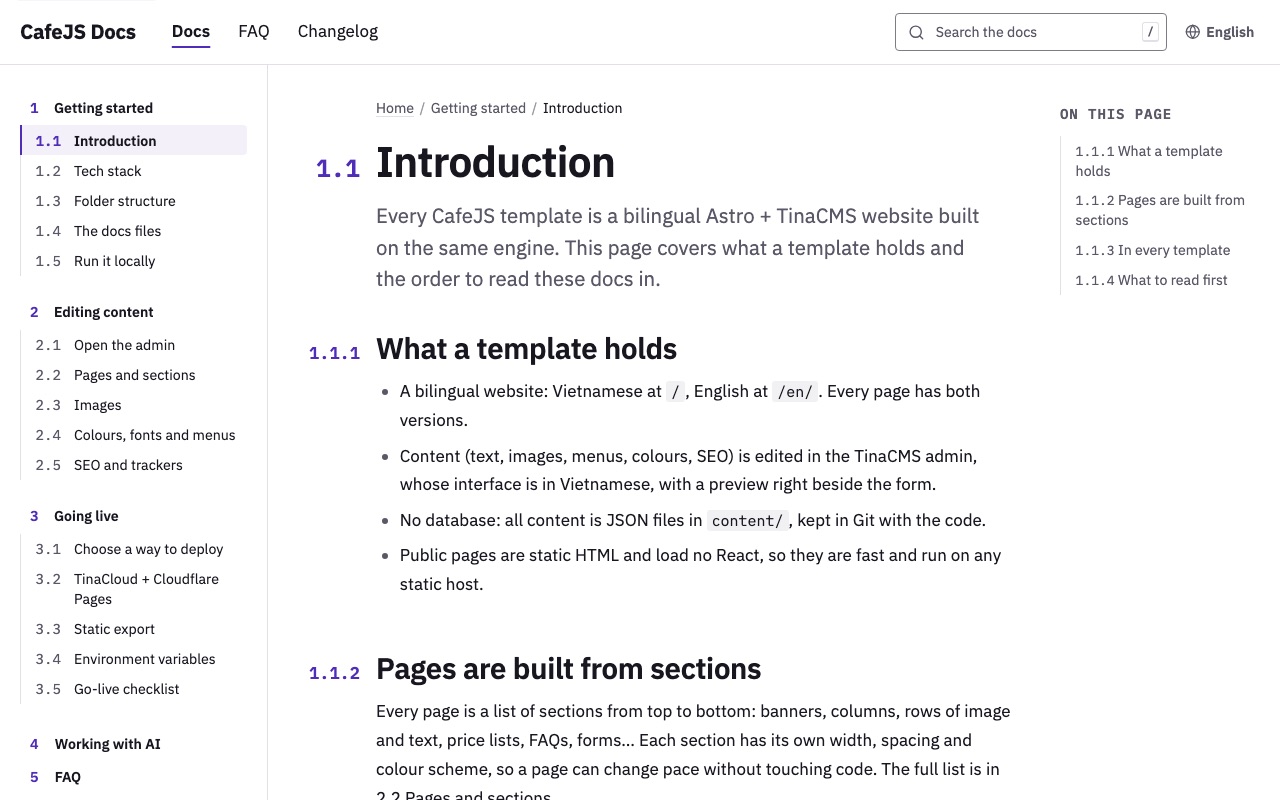
Introduction
Page 1.1: what a template holds, pages built from sections, what every template has and the order to read the docs in.
View on the demo ↗ (opens in a new tab)Tech stack
Page 1.2: the stack at a glance, static pages with React only in the admin, content as JSON files and the code checks.
View on the demo ↗ (opens in a new tab)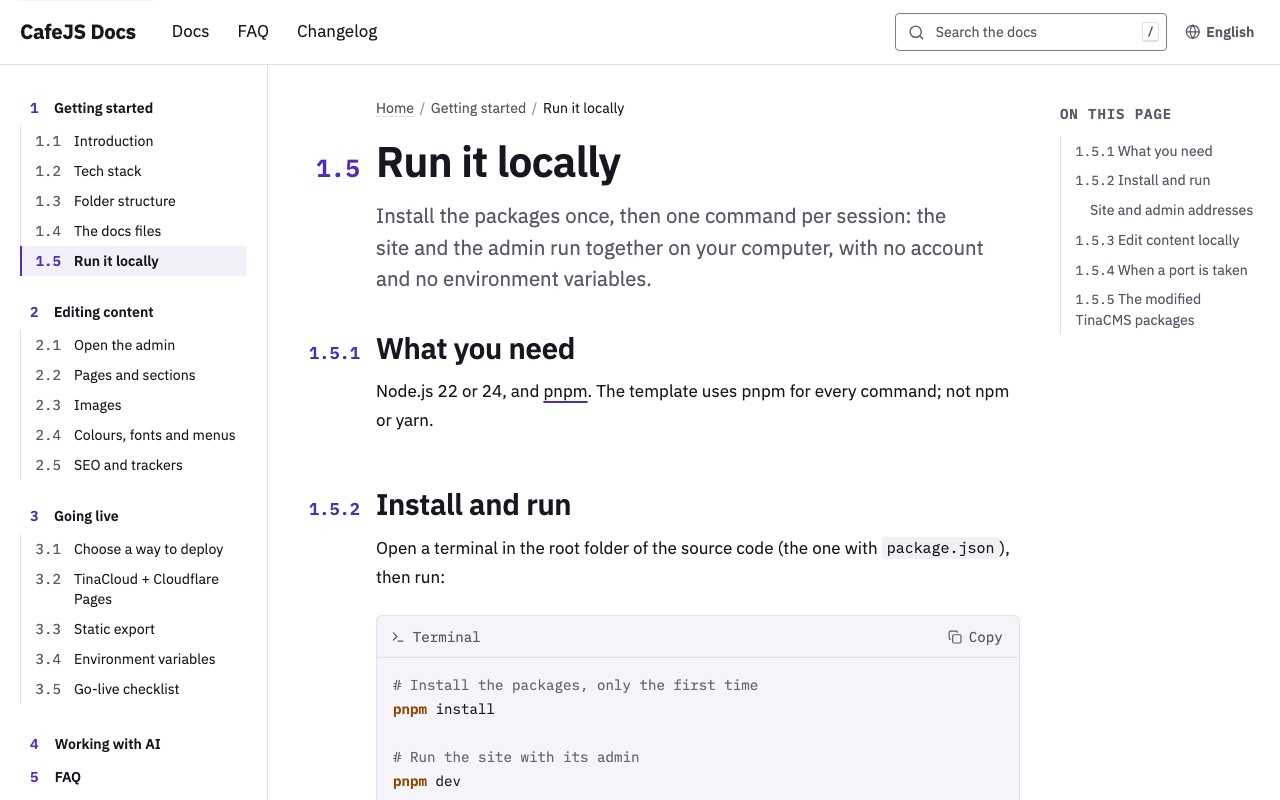
Run it locally
Page 1.5: what you need, installing and running with two commands, editing content locally, running when a port is taken and the modified TinaCMS packages.
View on the demo ↗ (opens in a new tab)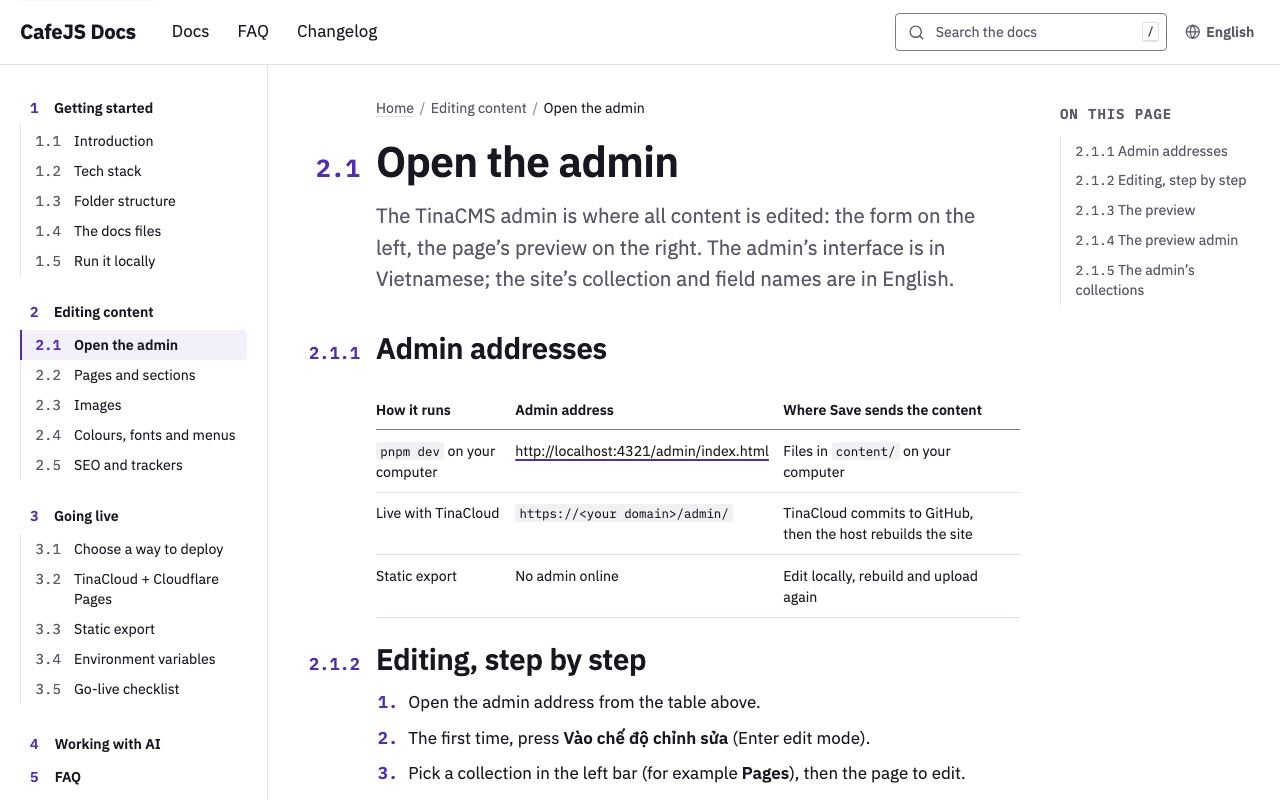
Open the admin
Page 2.1: the admin's address for each way of running the site, the editing steps, the preview, the preview admin and the admin's collections.
View on the demo ↗ (opens in a new tab)Pages and sections
Page 2.2: the sections on offer, the four fields every section shares, adding a page, and the header, footer and announcement bar.
View on the demo ↗ (opens in a new tab)Colours, fonts and menus
Page 2.4: changing the colours, the fonts and type size and the brand name, and editing the menus, without touching code.
View on the demo ↗ (opens in a new tab)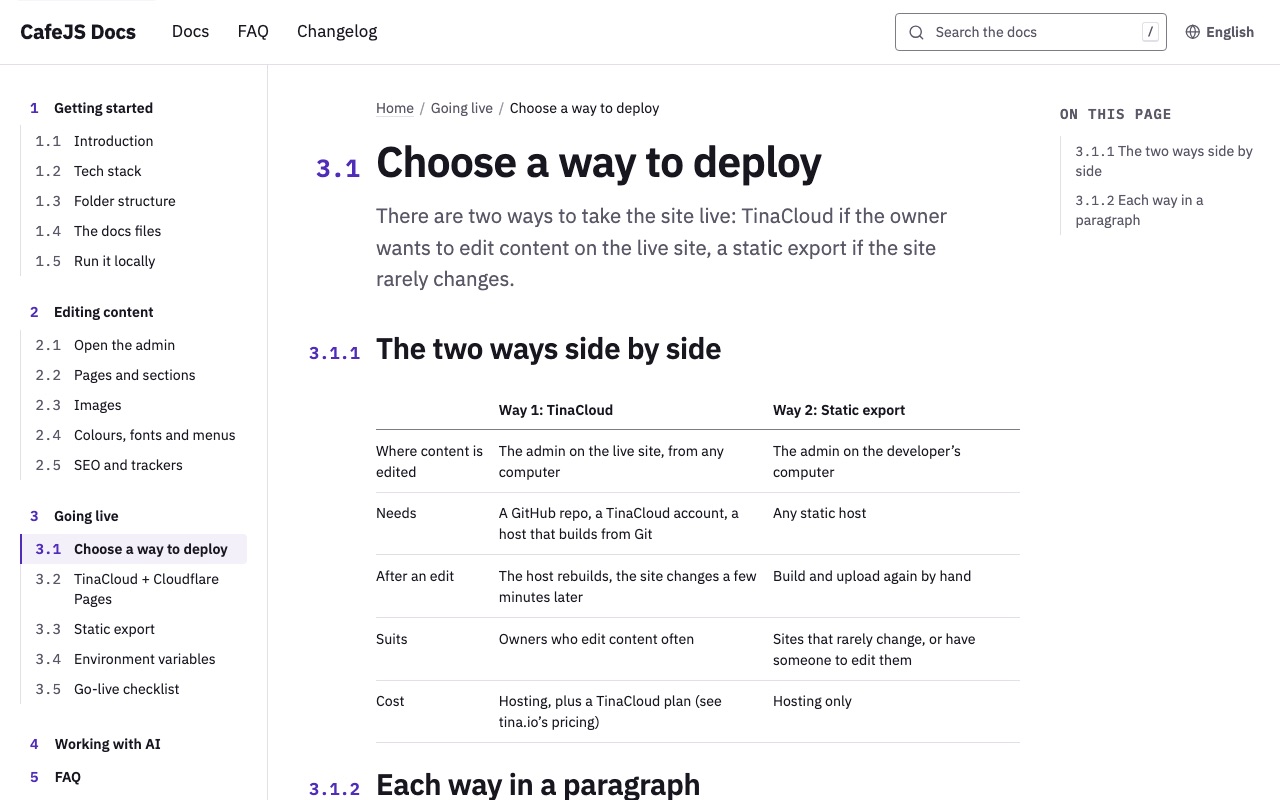
Choose a way to deploy
Page 3.1: a table comparing TinaCloud with a static export, and each way in one paragraph, set in two tabs.
View on the demo ↗ (opens in a new tab)TinaCloud + Cloudflare Pages
Page 3.2: seven steps, from pushing the code to GitHub, a TinaCloud project, Cloudflare Pages and the domain to inviting the people who edit content.
View on the demo ↗ (opens in a new tab)Go-live checklist
Page 3.5: what must be done for content, the build, SEO and trackers before visitors arrive.
View on the demo ↗ (opens in a new tab)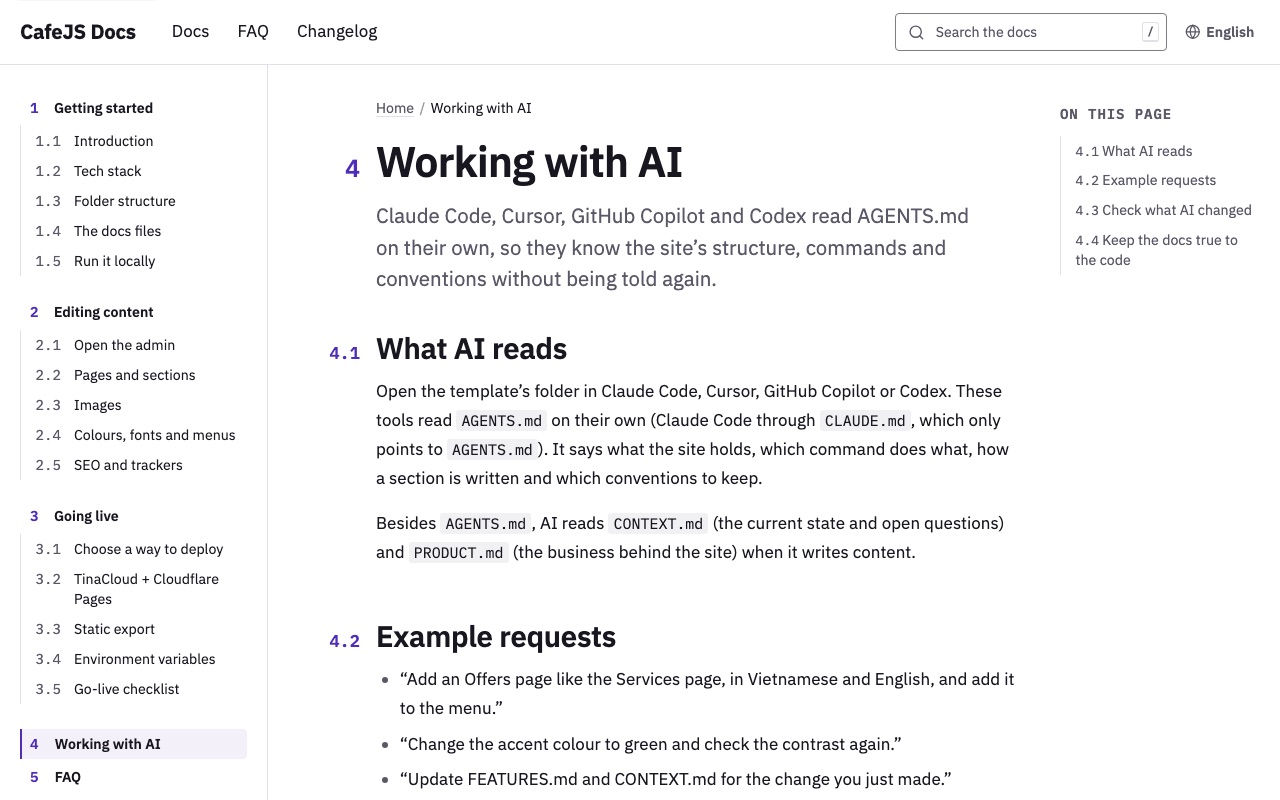
Working with AI
Page 4: which files AI reads, example requests, checking AI's changes and keeping the docs true to the code.
View on the demo ↗ (opens in a new tab)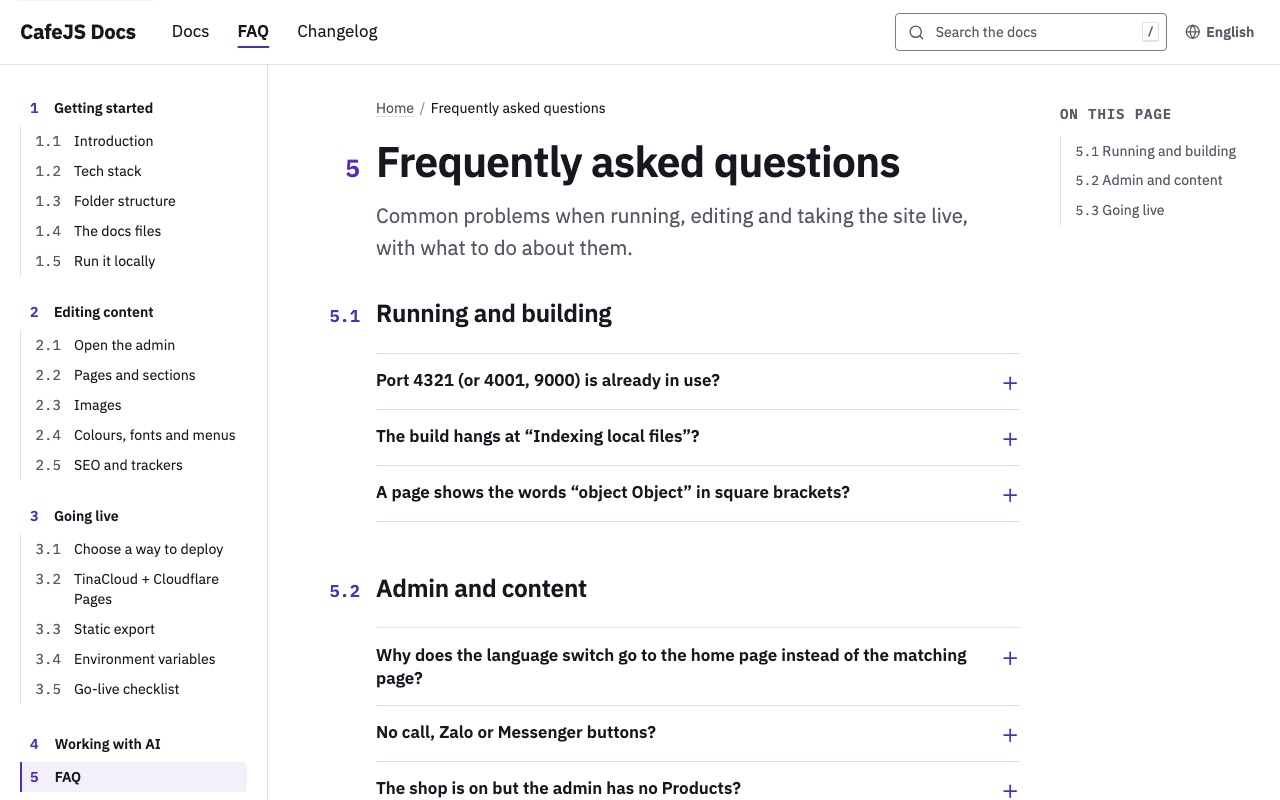
FAQ
Page 5: 11 questions in three groups, running and building, admin and content, going live, each opening to its answer.
View on the demo ↗ (opens in a new tab)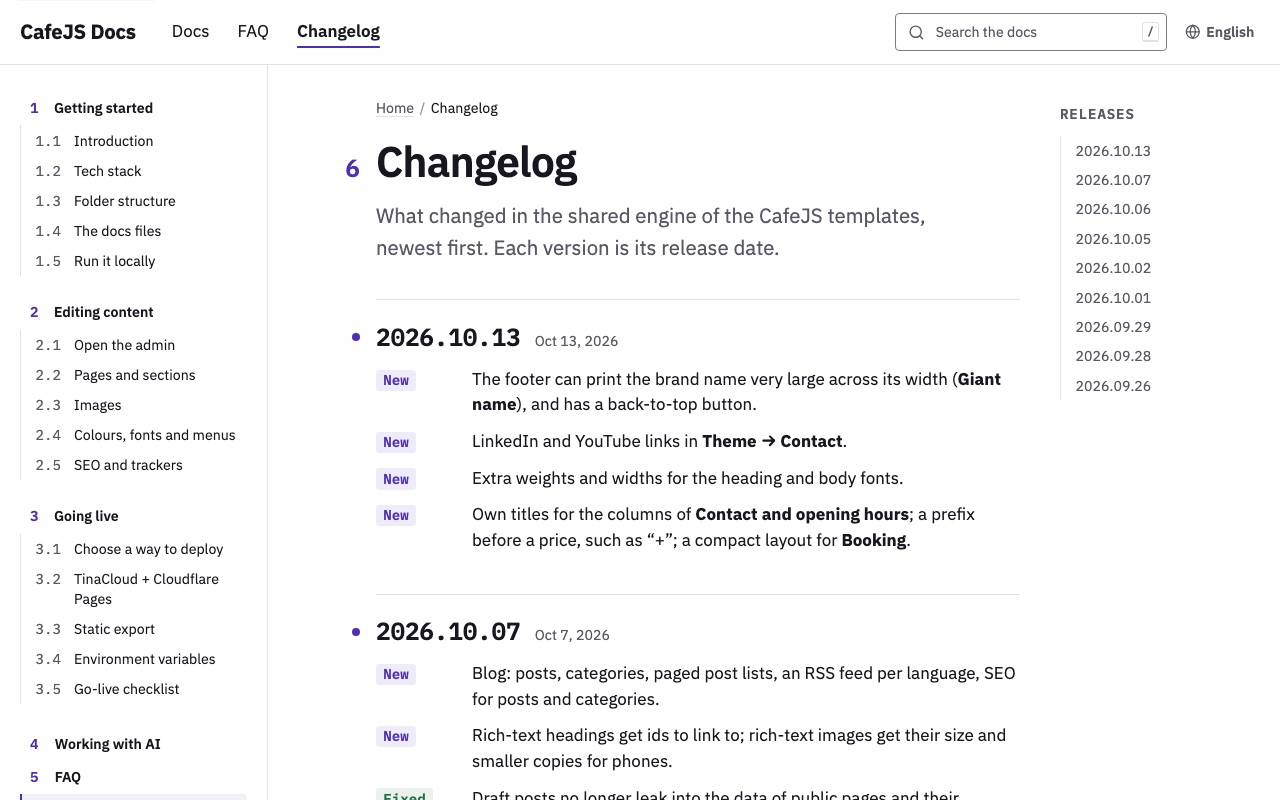
Changelog
Page 6: nine releases, newest first, each with a version number, a date and lines tagged New, Fixed, Removed; the right-hand column lists the releases.
View on the demo ↗ (opens in a new tab)
More templates
Automotive
Electric scooter shop
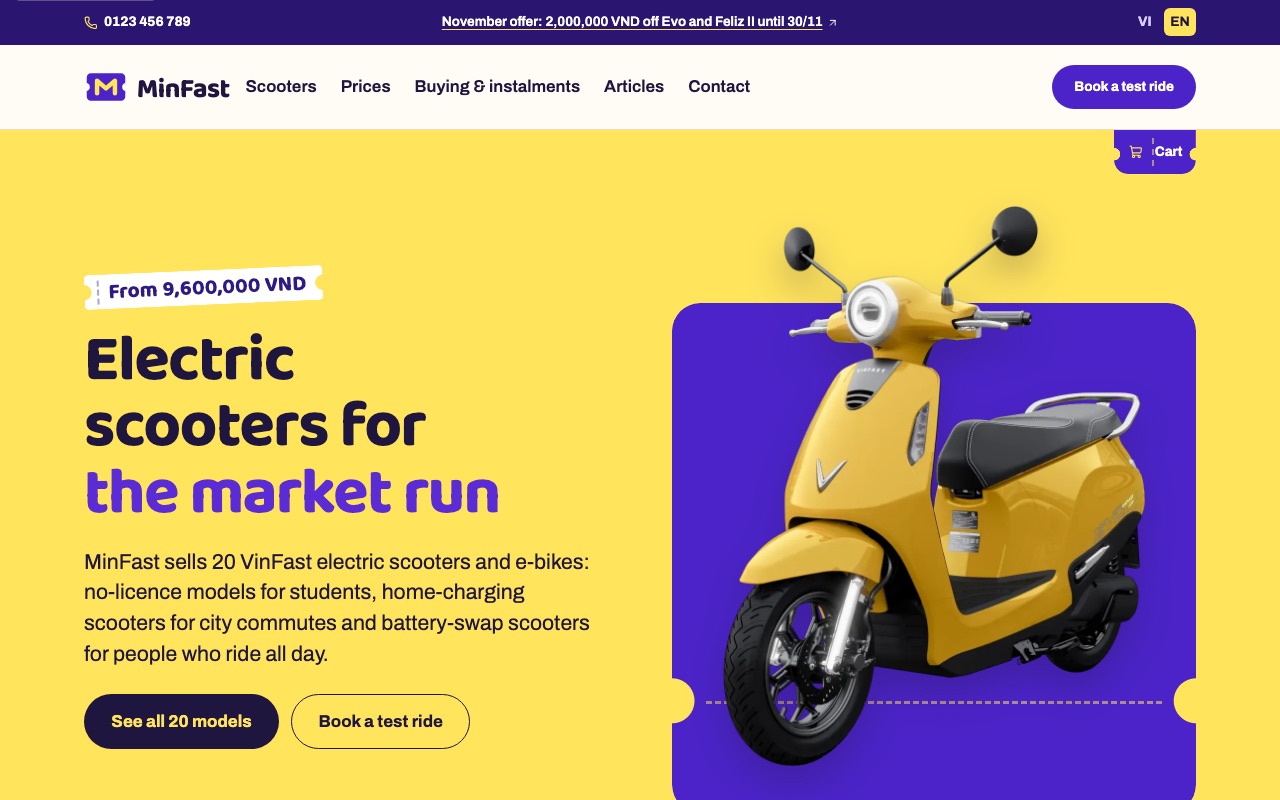
People buying an electric scooter ask three things first: how much, how far, and whether they need a licence. This template sorts 20 models into four groups by how people ride each day, gives each scooter a page with colour dots that swap the photo and a specifications table, shows both the with-batteries and the battery-rental price, and takes orders through a cart and test-ride bookings.
- ✓ 20 models in 4 groups, a cart that orders by phone
- ✓ Pick a colour and the photo changes
- ✓ With-batteries and rental prices, test-ride booking
- ✓ Vietnamese and English
Automotive
Light EV showroom
Many car buyers start with "what can I get for this much". This template puts a finder in the hero that takes a segment and a budget, opens the Models page already filtered, and draws the range per charge as battery cells that are easy to compare.
- ✓ Find a car by segment and budget
- ✓ Battery cells for the range per charge
- ✓ A configurator that fills in the deposit form
- ✓ Vietnamese and English
Automotive
EV showroom
EV buyers work out the on-the-road price and the monthly payment before they visit a showroom. This template uses quote and test-drive buttons instead of a cart, calculates the on-the-road price by place of registration and the loan, and sets three cars side by side for comparison.
- ✓ Quote and test-drive buttons instead of a cart
- ✓ On-the-road price, loan and charging calculators
- ✓ Three cars compared side by side
- ✓ Vietnamese and English


Our promise
-
Docs written for AI
Every template comes with a workflow and docs an AI agent reads before it edits the source code for you.
-
Host it yourself, or we host it
Follow the deployment guide in the docs, or use our hosting.
-
Edit it yourself
Click any text or photo on the page to change it. No code needed.